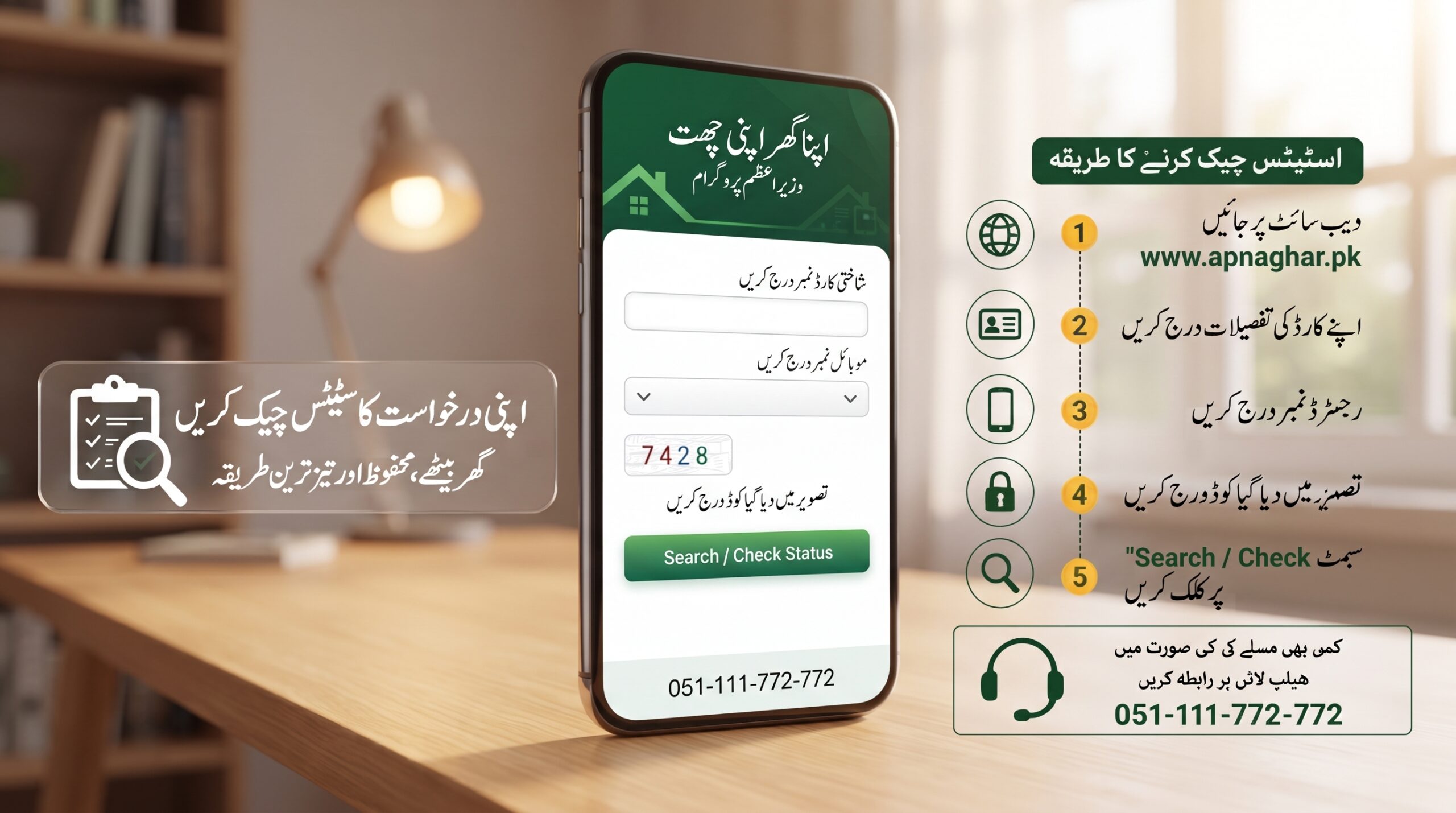

You applied for the Apni Chhat Apna Ghar (ACAG) housing loan. So you want to know where your application stands. You will also check your status online using your CNIC number and password. This guide shows you the exact steps and explains what each status message means.
Quick Answer
To check your Apni Chhat Apna Ghar application status, log in at acag.punjab.gov.pk with your CNIC number, password, and the CAPTCHA code shown on screen. Then open Application Status. It shows your Application ID, current status, and the Selected MFI (loan partner) handling your case. You do not need to apply again to check your status.
What Is Apni Chhat Apna Ghar?
Apni Chhat Apna Ghar is an interest-free housing loan scheme by the Punjab Government, started under Chief Minister Maryam Nawaz. It helps low-income families build a home on land they already own. The loan is given through the Punjab Housing Authority (PHATA) and is paid out in parts, called tranches, not all at once.
| Detail | Information |
|---|---|
| Scheme Name | Apni Chhat Apna Ghar (ACAG) |
| Loan Type | Interest-free housing loan |
| Loan Amount | Up to Rs 1.5 million (Rs 15 lakh) |
| Repayment | Monthly installments over 7 years |
| Province | Punjab |
| Official Portal | acag.punjab.gov.pk |
| Executing Agency | PHATA (Punjab Housing and Town Planning Agency) |
| Helpline | 0800-09100 |
How to Check Apni Chhat Apna Ghar Application Status by CNIC
- Go to the official login page: acag.punjab.gov.pk/Login.aspx
- Enter your 13-digit CNIC number without dashes.
- Type your password (must be that one you made during registration).
- Type the CAPTCHA code exactly as shown (capital and small letters matter).
- Tap Login. If the portal asks for a one-time PIN (OTP), it will go to your registered mobile number or email.
- Open Application Status to see your Application ID, current status, and Selected MFI.
Forgot your password? Tap Forgot Password, enter your CNIC, and request an OTP. Use the otp to set a new password. The code works for only 30 minutes.
What Each Status Message Means
The ACAG portal shows different messages depending on where your application is in the process.

| Status Message | What It Means |
|---|---|
| “Record has been Submitted Successfully” | Your application reached the system. Keep the SMS. |
| “Sent to relevant department for verification” | Your form is waiting for verification. Wait for an SMS or email. |
| “No Data Found against this CNIC” | No application is linked to this CNIC. See the section below. |
| Pending / Under Review | Your application is being checked. This can take time. |
| Approved (with MFI name shown) | Your case has moved to a loan partner. |
| Rejected | Your application did not meet an eligibility rule. |
Why “No Data Found Against This CNIC” Appears
This message shows up for a few common reasons:
- You logged in with the wrong CNIC. Use the applicant’s own CNIC.
- The form was never fully submitted (you did not press the final Submit button).
- An office, such as a Deputy Commissioner (DC) office, applied on your behalf. In this case, go back to that office and ask for your Application ID.
If none of these apply, call the toll-free helpline 0800-09100 and ask the team to check your CNIC.
Eligibility Requirements
Your application is checked against these rules:
- You are a Punjab resident with a valid CNIC.
- Your age is between 21 and 60 years at the time of applying.
- You are registered in NSER or PSER with a PMT score of 60 or less.
- You are the sole owner of the plot: up to 5 marla in urban areas or up to 10 marla in rural areas.
- You have no criminal record and are not a loan defaulter.
What Happens After Approval
Once your application is approved, your case is sent to one of four loan partners:

- Akhuwat
- Bank of Punjab
- National Rural Support Programme (NRSP)
- Rural Community Development Programme (RCDP)
This partner will verify your plot and complete the loan paperwork. Some applicants have reported waiting several months between approval and their first payment, so it helps to follow up directly with your assigned partner and the helpline.
The loan is paid in tranches. When you qualify for the second part, your Application Status page shows a Request for 2nd Tranche Release button. You will need to upload two photos: the front of the property and the current construction stage.
Important Information
- Checking your status is completely free. Never pay anyone to check, speed up, or approve your application.
- Never share your OTP or password, even with someone claiming to be from PHATA, a bank, or a loan partner.
- As of now, the official portal does not list any SMS short-code for checking status. Use web portal or the helpline instead.
- If your status has not changed for several weeks, call 0800-09100 with your CNIC and Application ID ready.
If Your Application Is Rejected
- Check your account for any remarks explaining the reason.
- Call the helpline 0800-09100 with your CNIC and Application ID.
- Common reasons include a PMT score above 60, a plot not solely in your name, or an age outside the 21–60 range.
- If you believe the rejection is a mistake, you can raise a complaint on the Pakistan Citizen’s Portal.
FAQs
1. How do I check my Apni Chhat Apna Ghar application status?
Log in at acag.punjab.gov.pk using your CNIC, password, and CAPTCHA, then open Application Status.
2. Is there an SMS code to check ACAG status?
No official SMS short-code has been confirmed. Use the portal or call 0800-09100.

3. What the “No Data Found against this CNIC” mean?
It means no submitted application is linked to that CNIC. It may be the wrong CNIC, an unfinished form, or an application submitted through a DC office on your behalf.
4. How much loan does the ACAG scheme give?
Up to Rs 1.5 million (Rs 15 lakh), interest-free, repaid over 7 years in monthly installments.
5. What is the PMT score requirement?
Applicants need a PMT score of 60 or less, based on their NSER or PSER household survey.
6. After approval, how long until the loan is released?
This varies. Some applicants have waited months after approval for the first payment. Follow up with your Selected MFI and the helpline.

7. Can I apply again if my application is rejected?
This depends on the reason for rejection. Call the helpline to confirm whether re-applying is possible after fixing the issue.
8. Is checking the application status free?
Yes. It is completely free. Never pay any agent to check, approve, or release your loan.
